How to install
First steps
TIP
If you have a problem or idea, you can create an issue
Download last available version from GitHub releases
Try to open application
TIP
A system dialog may appear stating that the "GekoDesktop" can't be opened because Apple cannot check it for malicious software. In this case, open System Preferences -> Privacy and Security -> scroll down to 'GekoDesktop was blocked from use because it is not from an identified developer.' -> Tap Open Anyway.
- Move application to
Applicationsfolder
IMPORTANT
If you do NOT move the application to /Applications, but leave it in the /Downloads folder, it will not be able to update.
- Reopen application from
Applicationsfolder
Downloading a specific version
Select the required version by tag from Github Releases
move to step 2
TIP
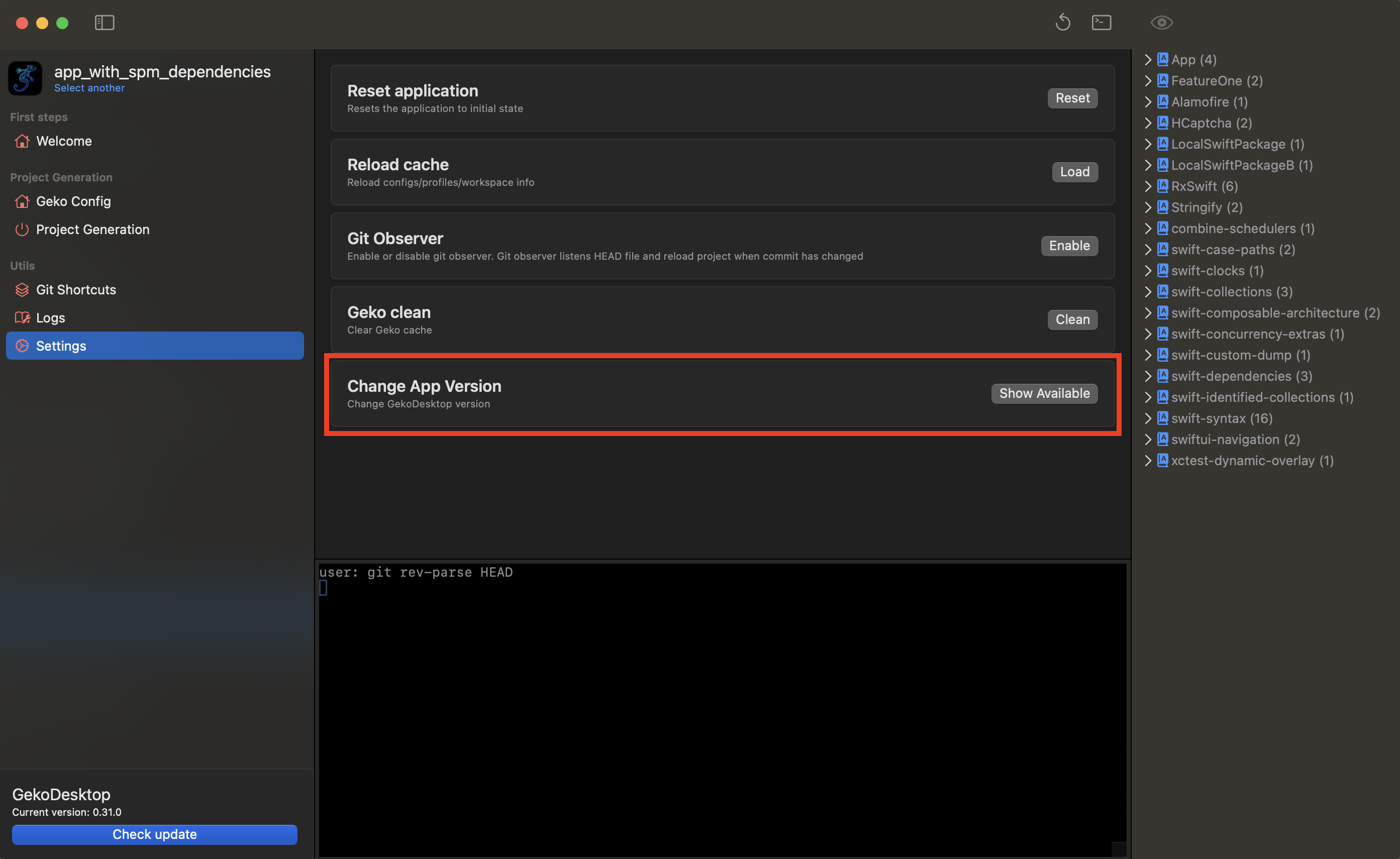
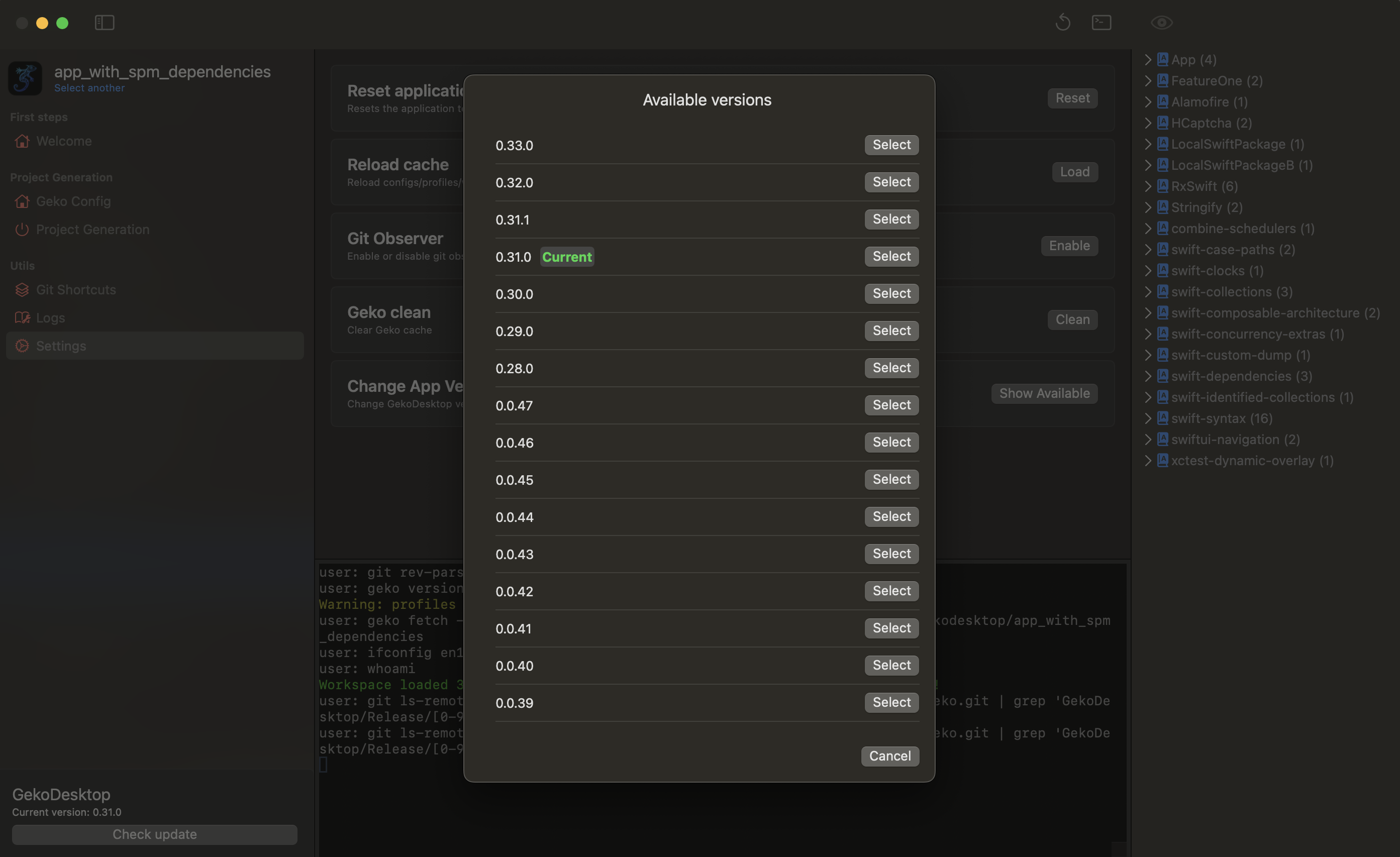
You can also view all available versions in the Settings section of the application and install the one you need.