
Project setup
Select Project
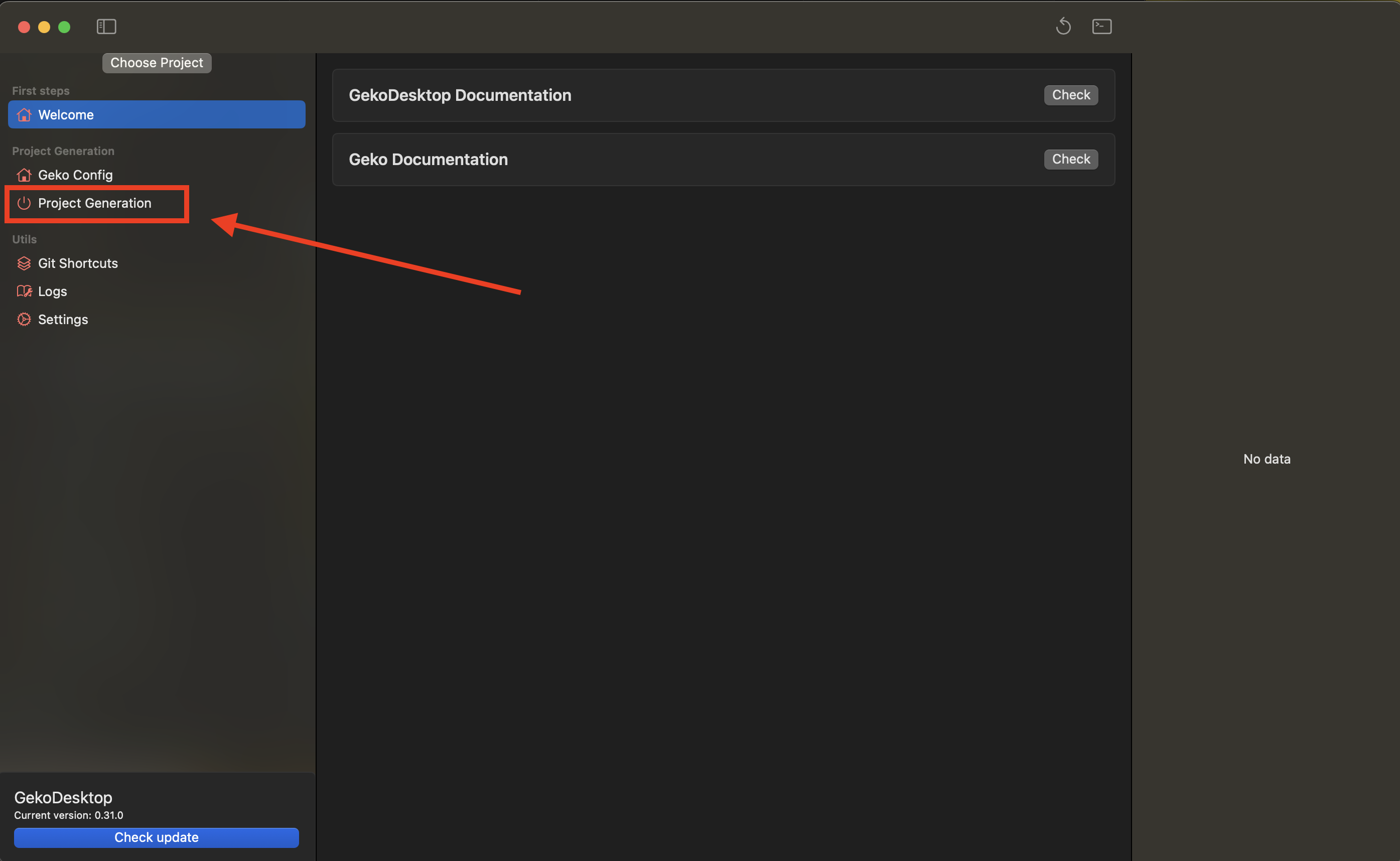
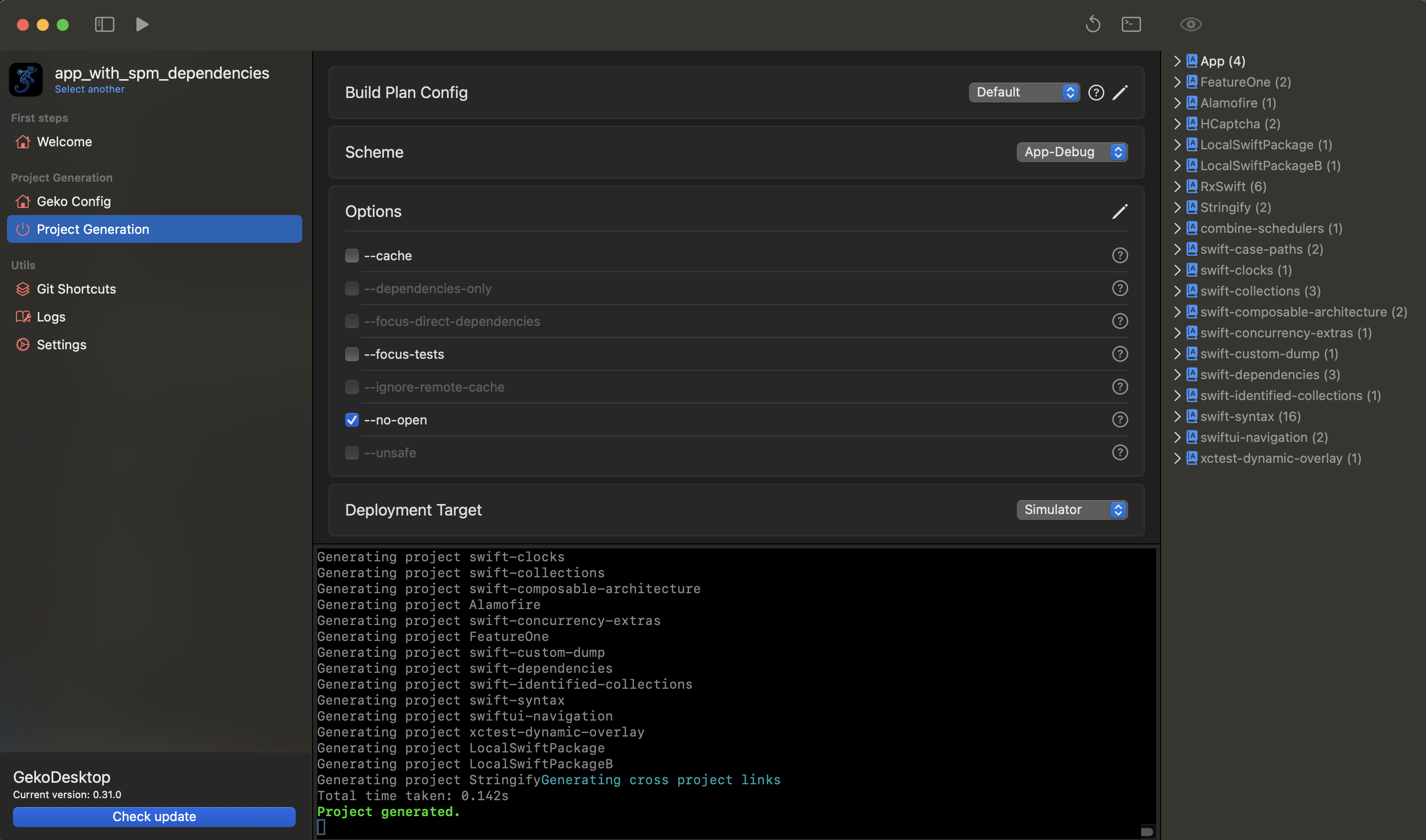
Go to the Project Generation section
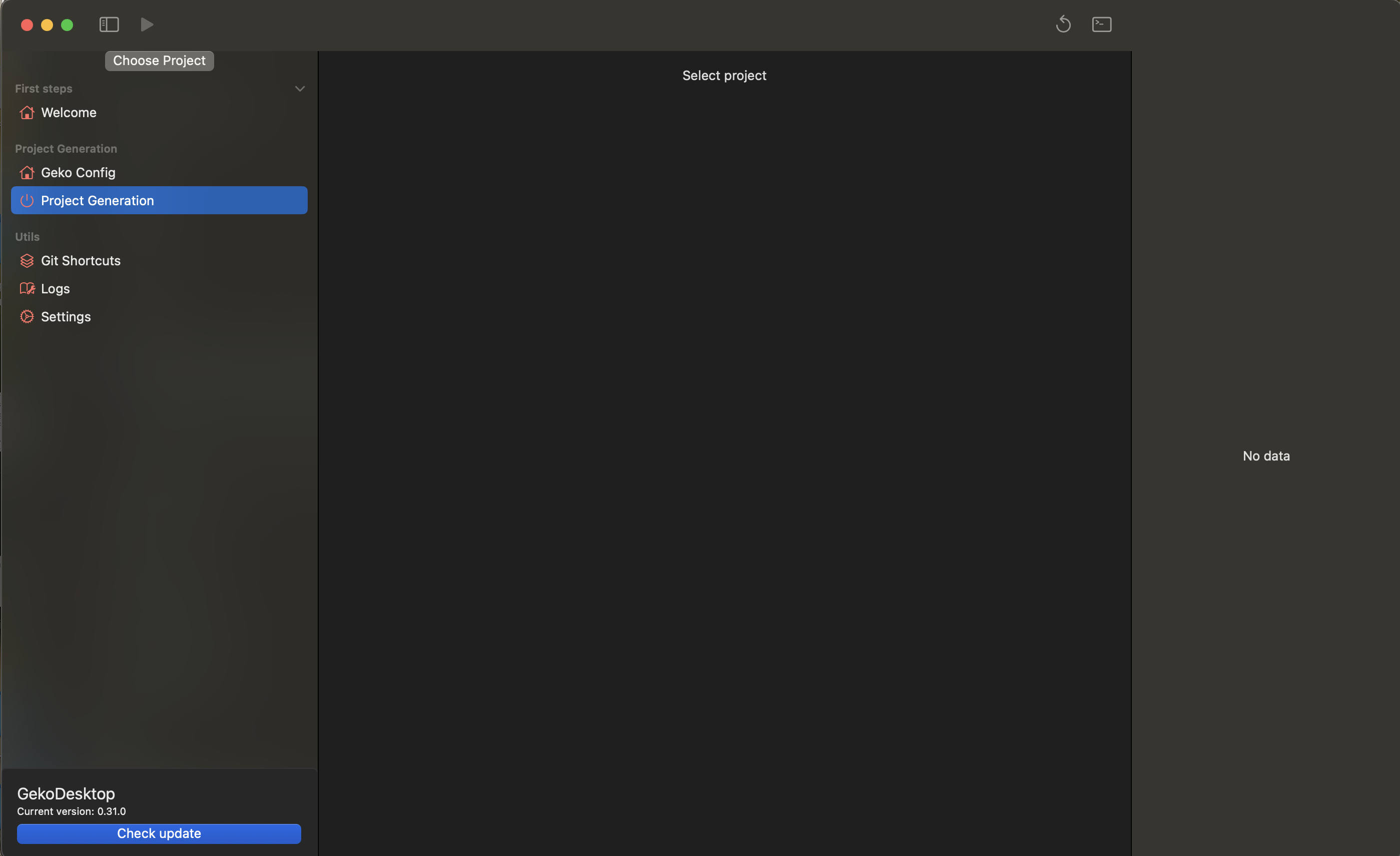
Select the path to the project
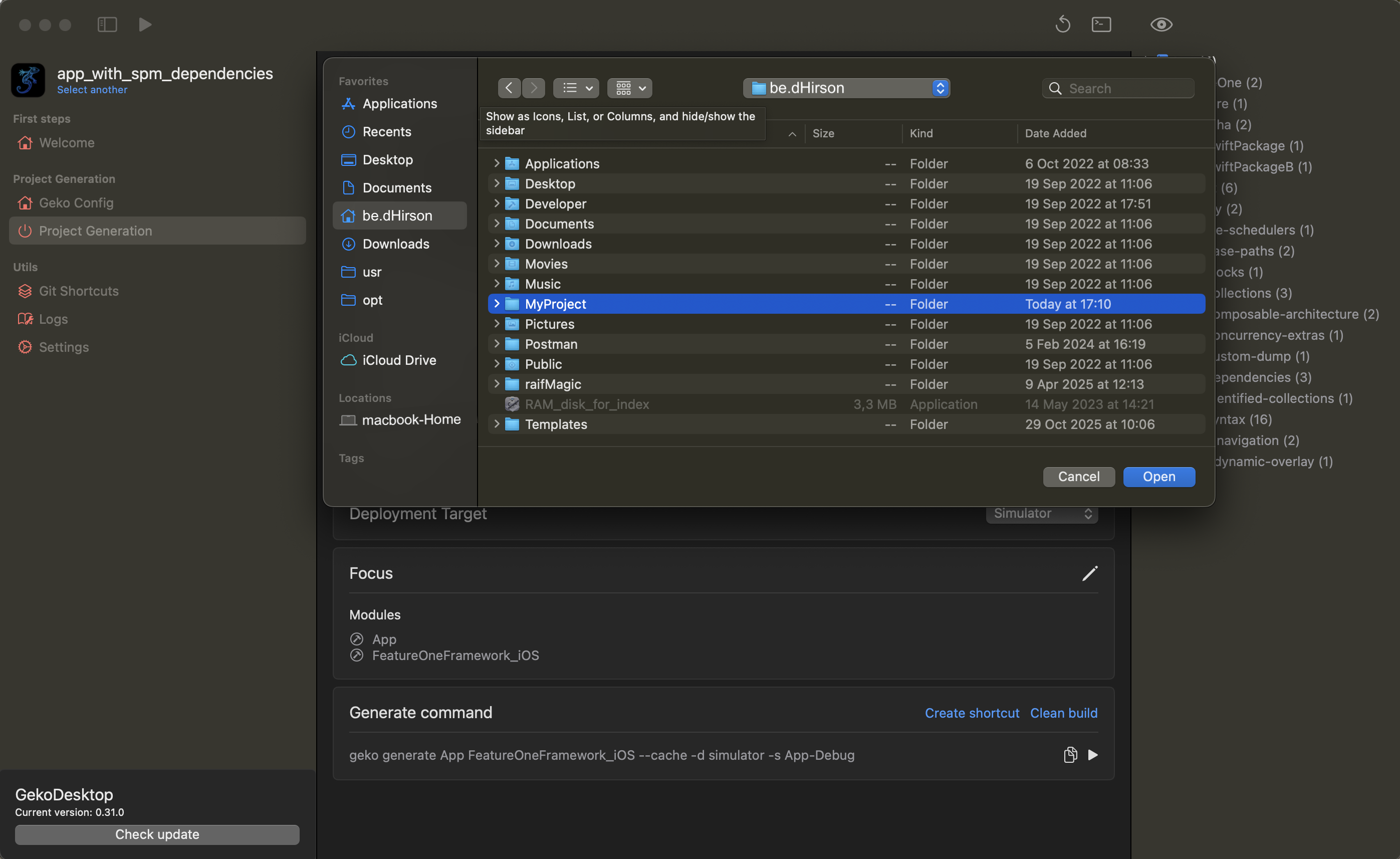
Wait for the download to complete; this may take 1-2 minutes. A green message will appear in the terminal: "All modules are loaded."
Click the generate button
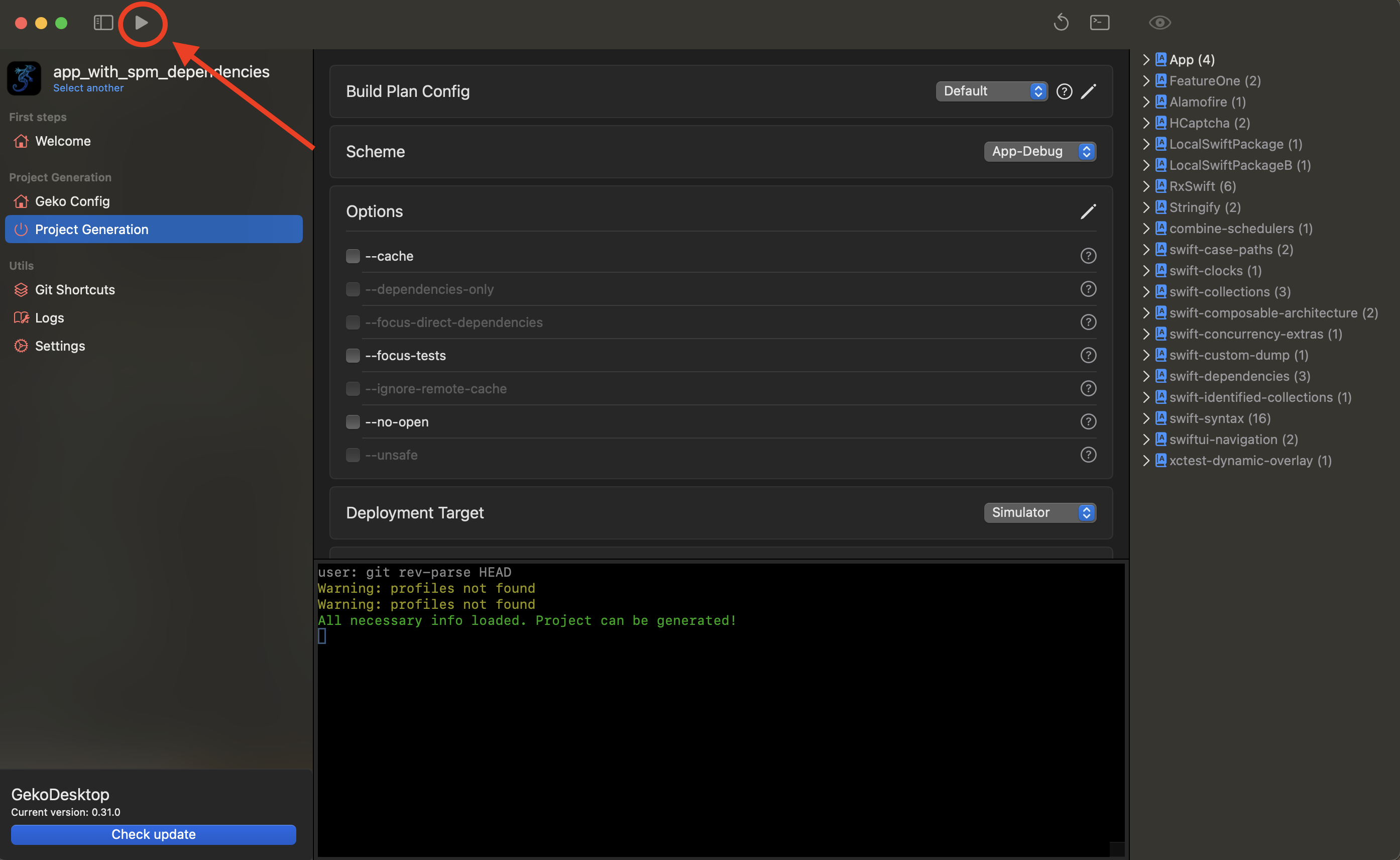
Wait for the project to complete generation (if the --no-open flag is disabled, Xсode will open with the project after generation)
For more information on changing project generation settings, see the Project Configuration section.