Project Configuration
Project Settings
NOTE
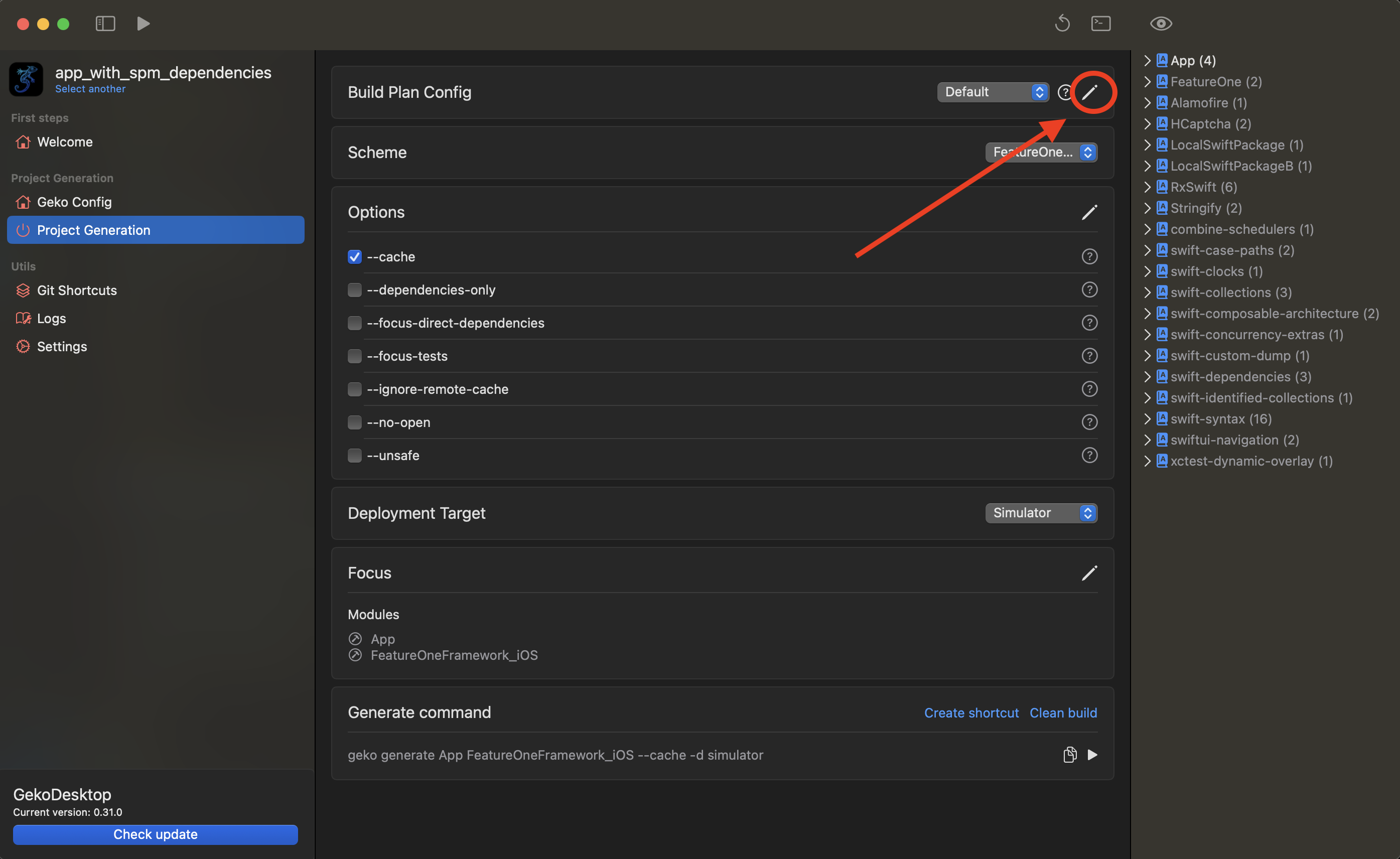
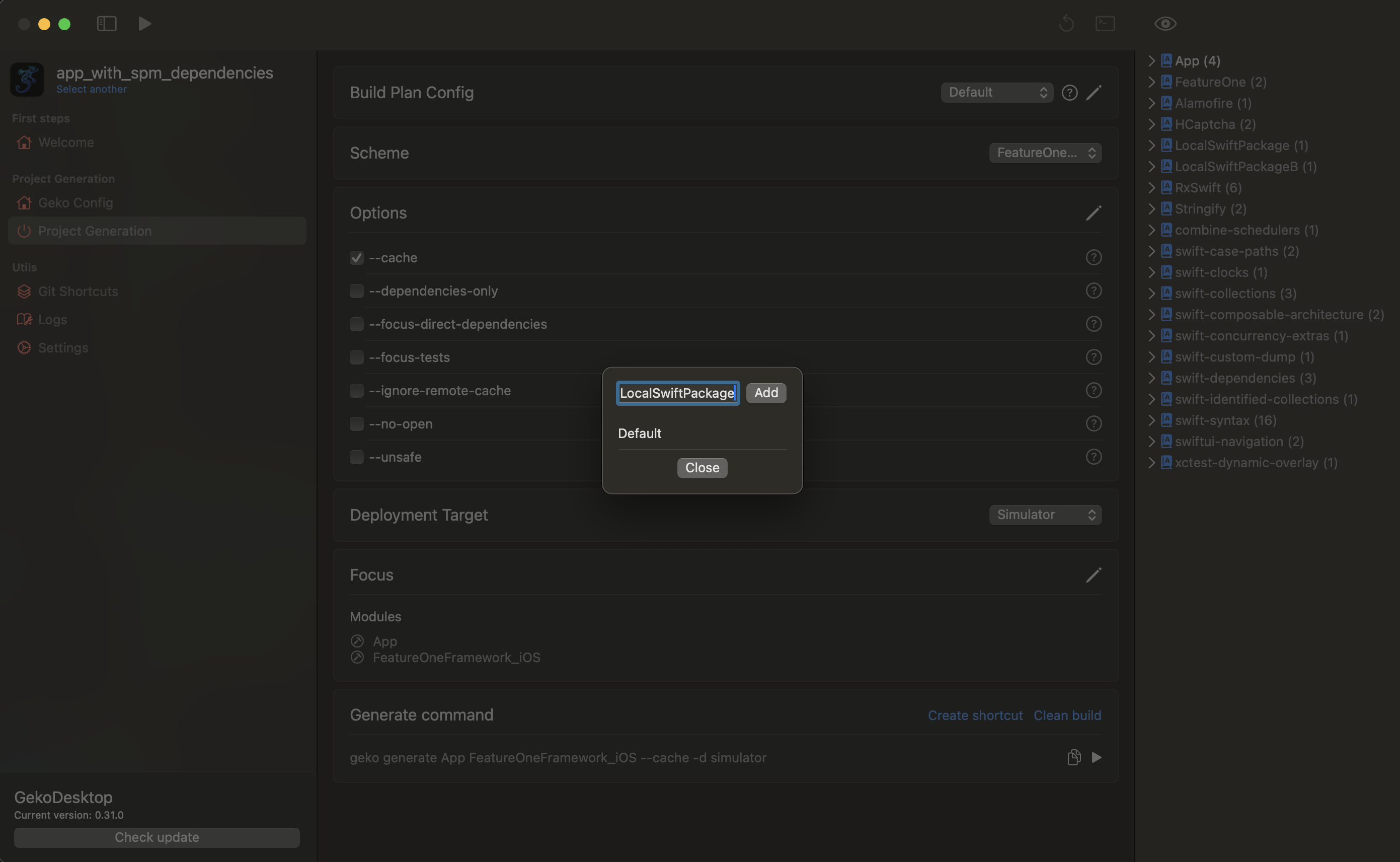
A configuration is the current set of settings and a list of focus modules with which the project will be built. You can create multiple configurations to suit different needs. For example, you might want to build the project entirely from source code or focus on a few modules.
Example of adding a configuration
Other settings
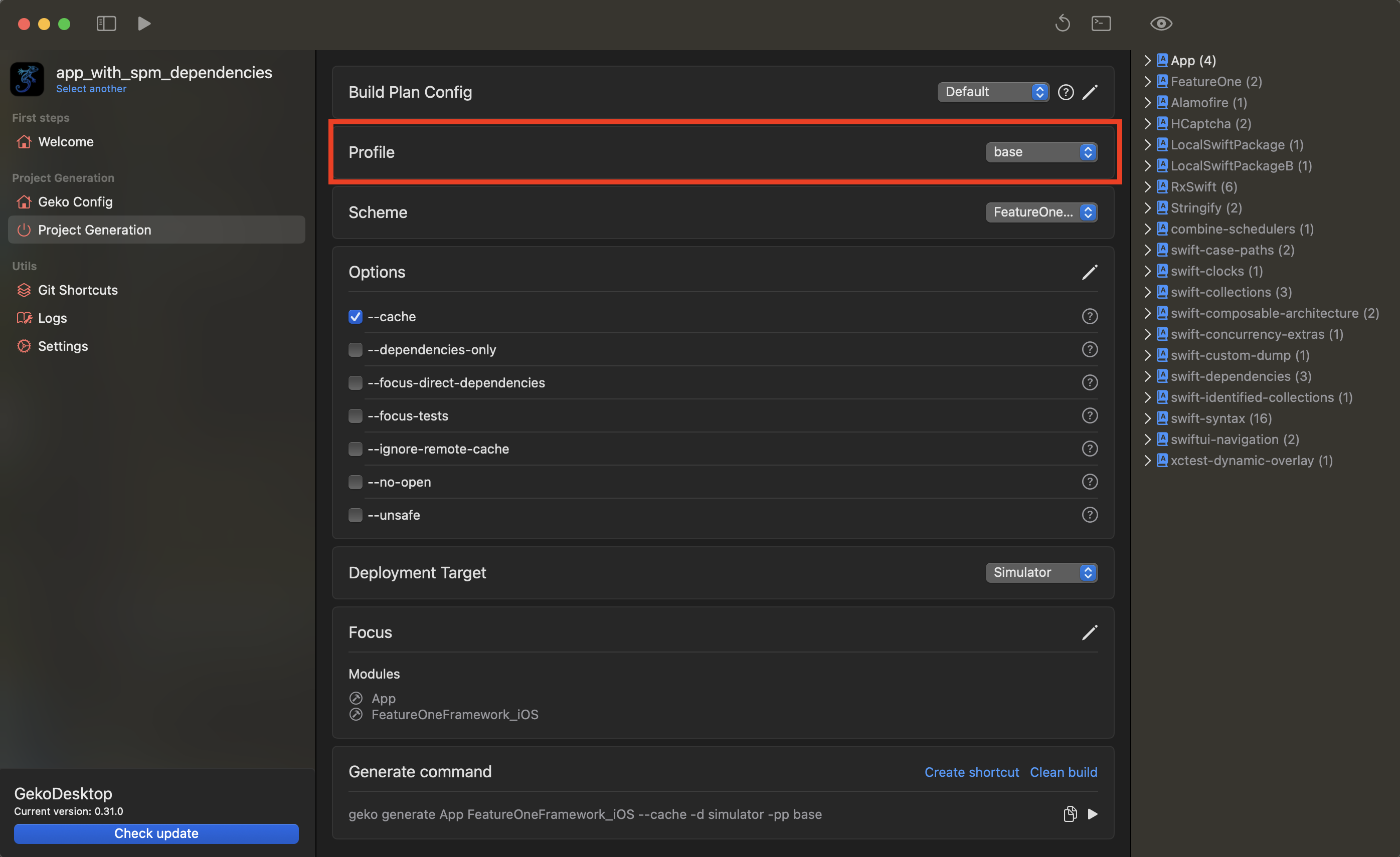
Profile
The profile used in geko generate. Learn more about Profiles TODO: - Link to profiles
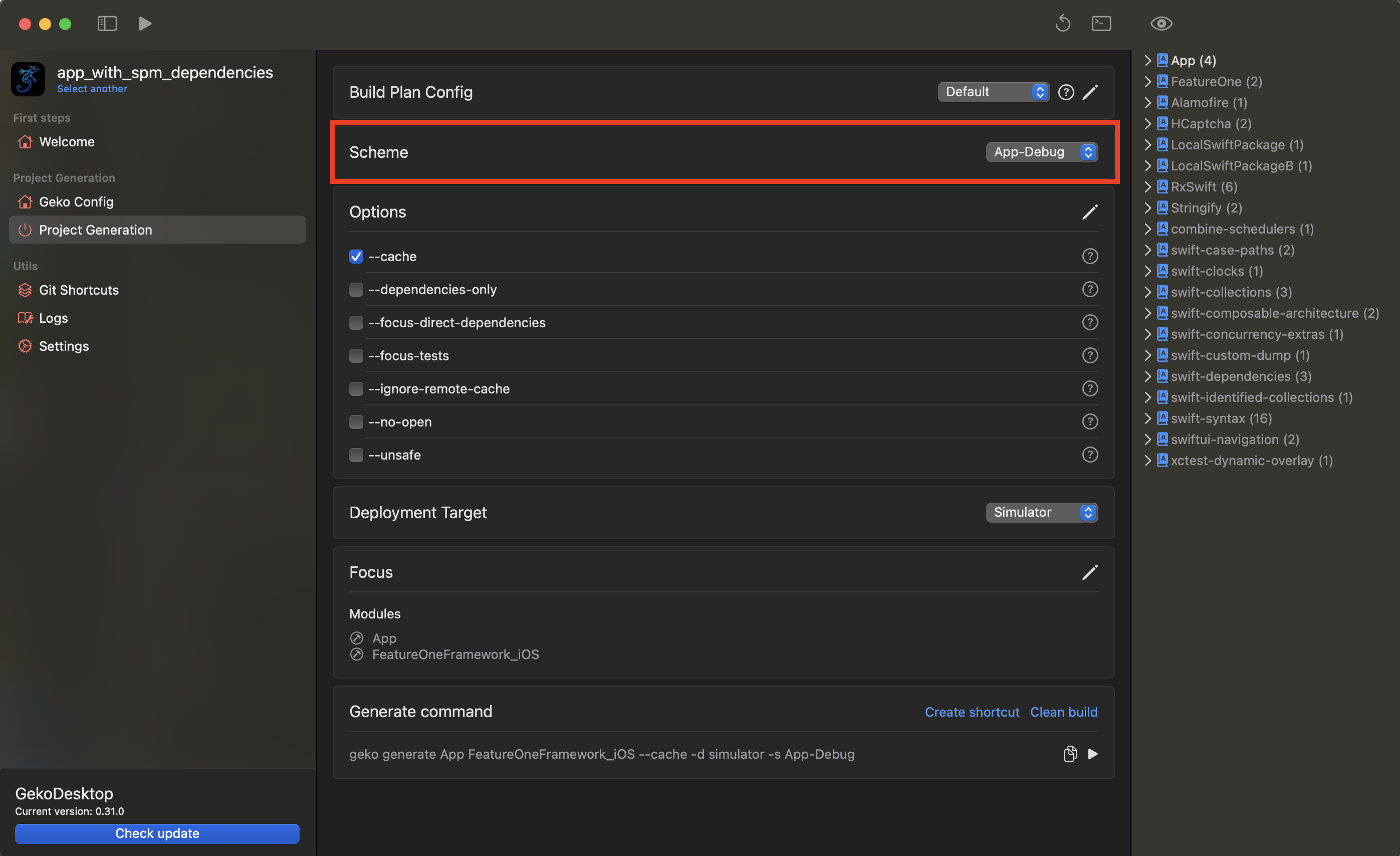
Scheme
Project scheme name Learn more about a project schemes
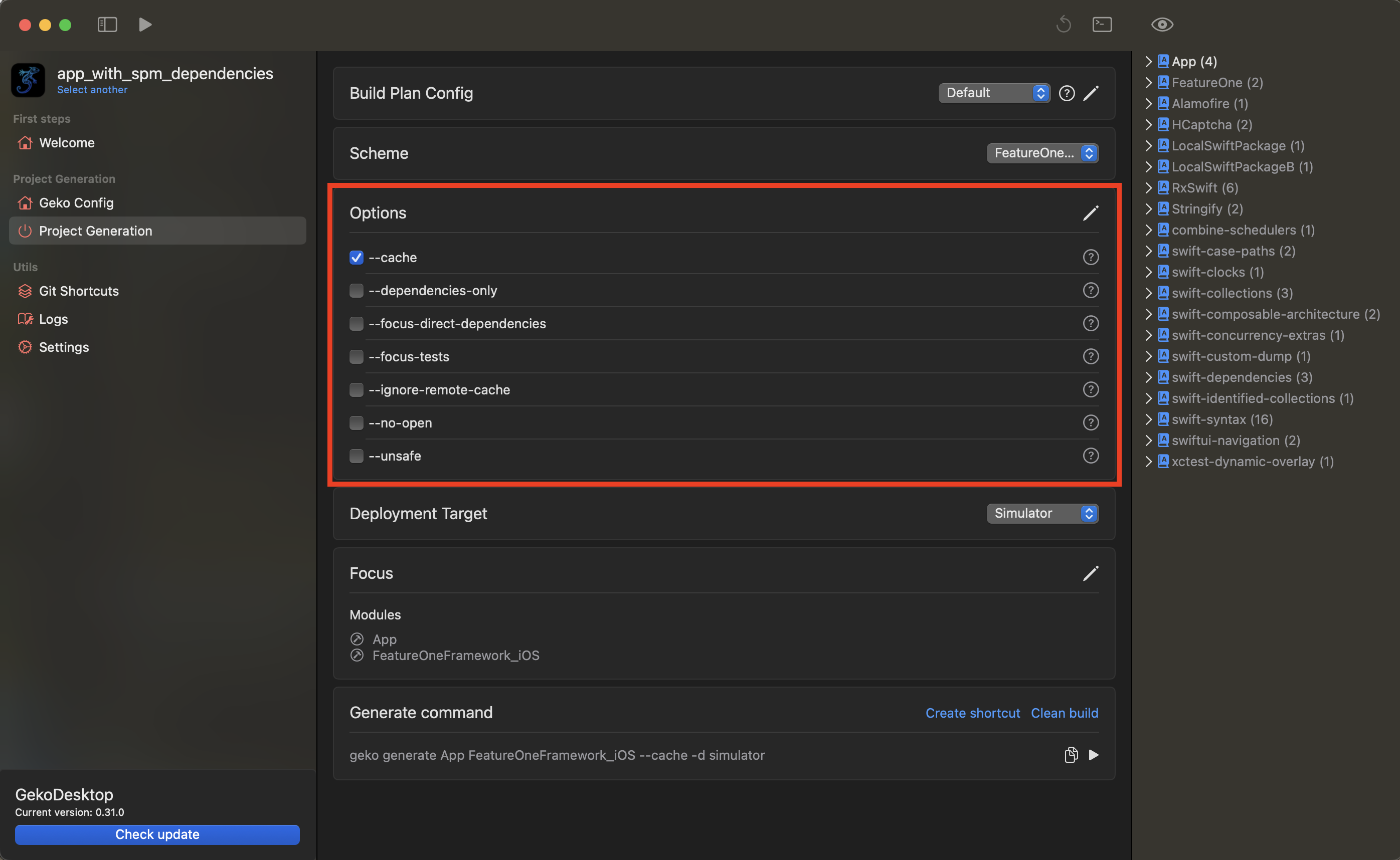
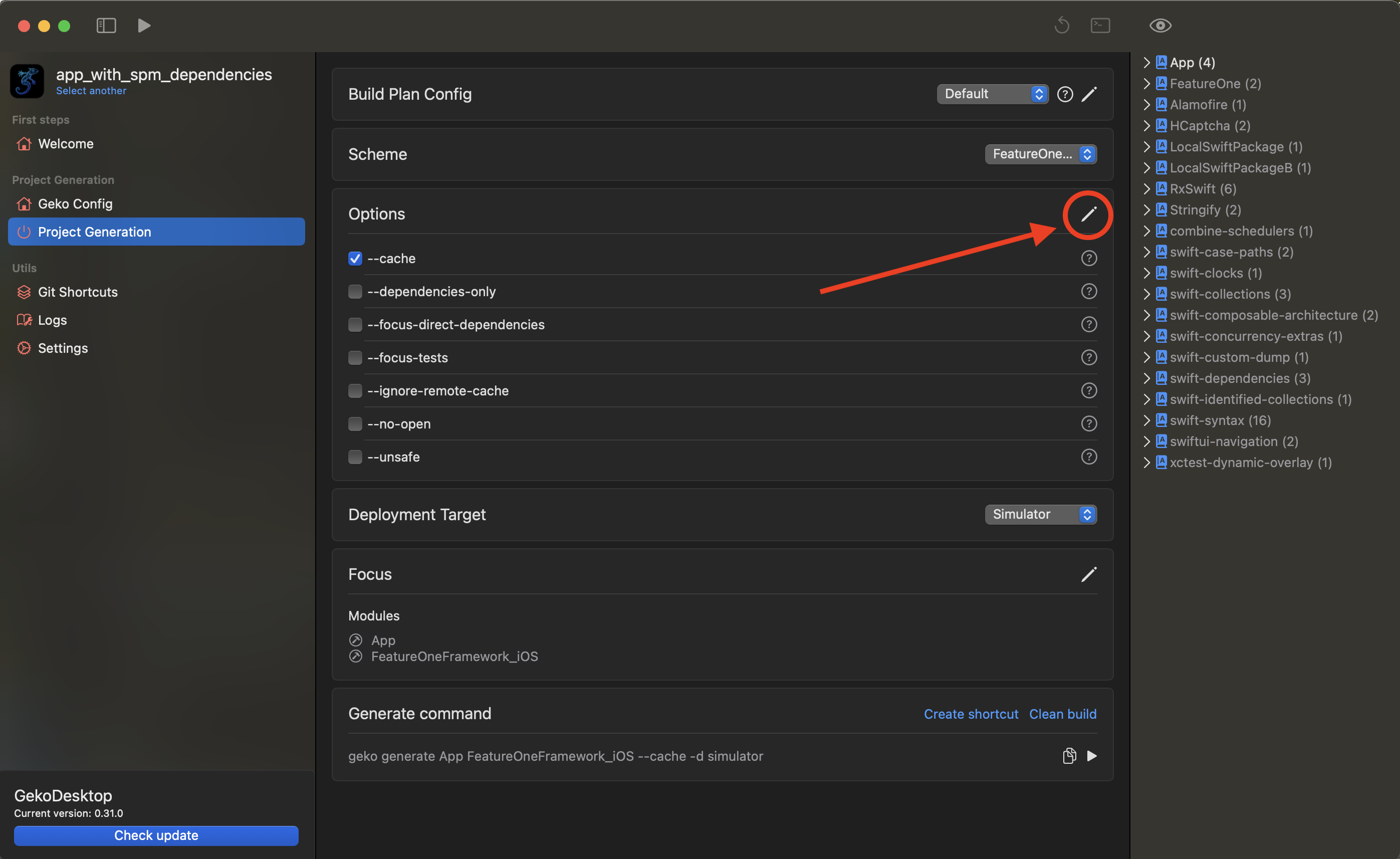
Options
Geko options. Also you can add/edit/remove castom options. Learn about default geko options
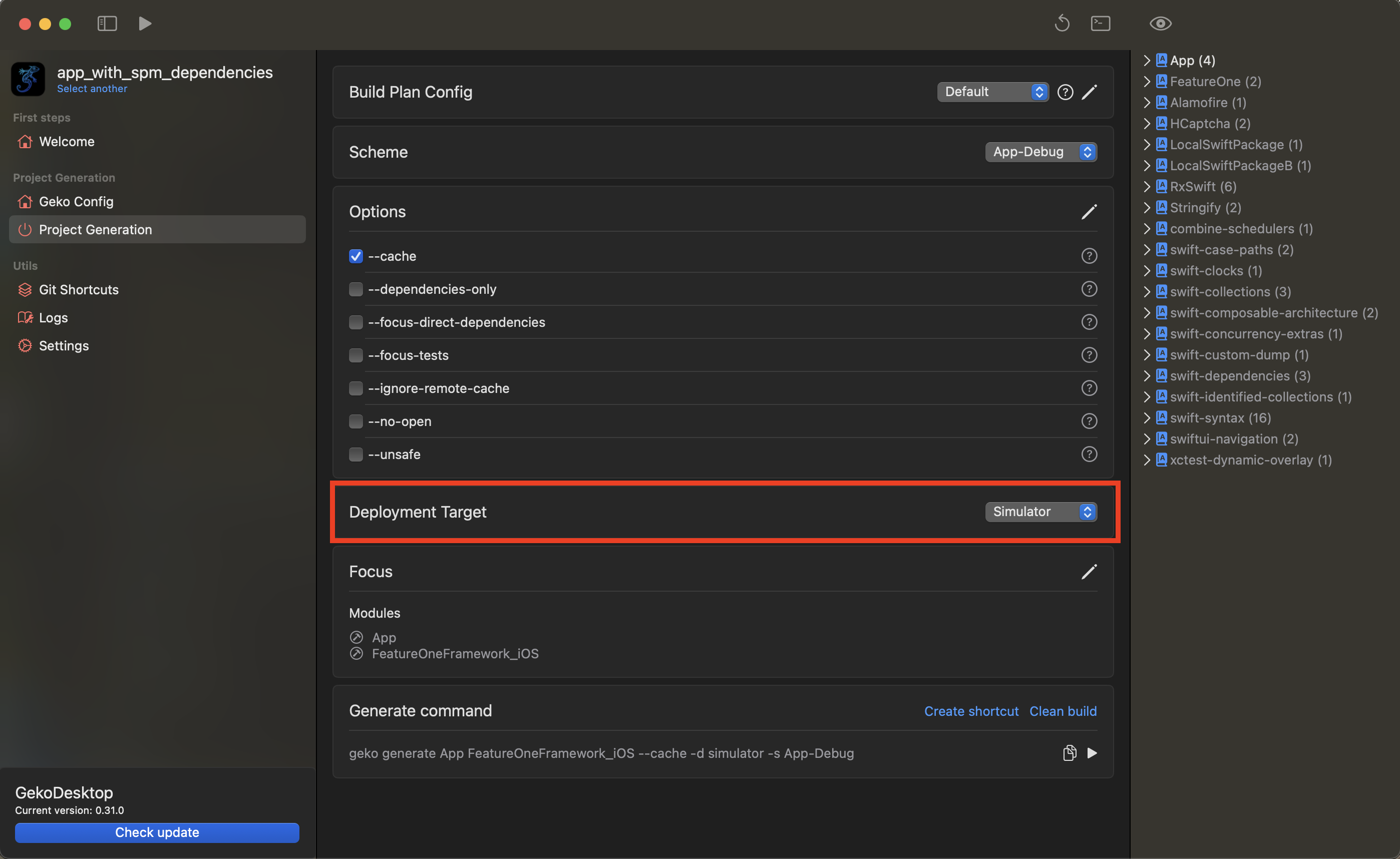
Destination
Destination device or simulator
Focus modules
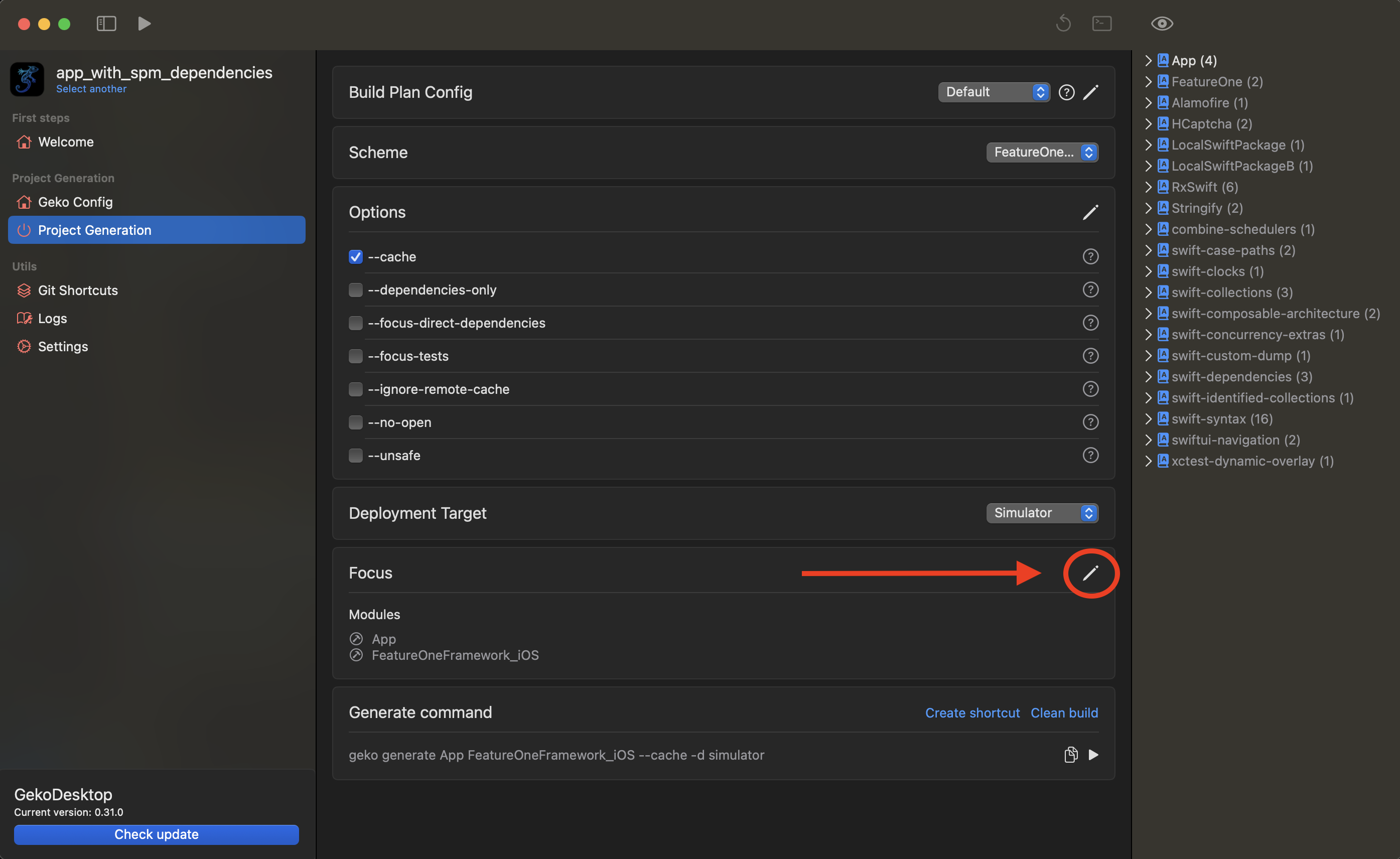
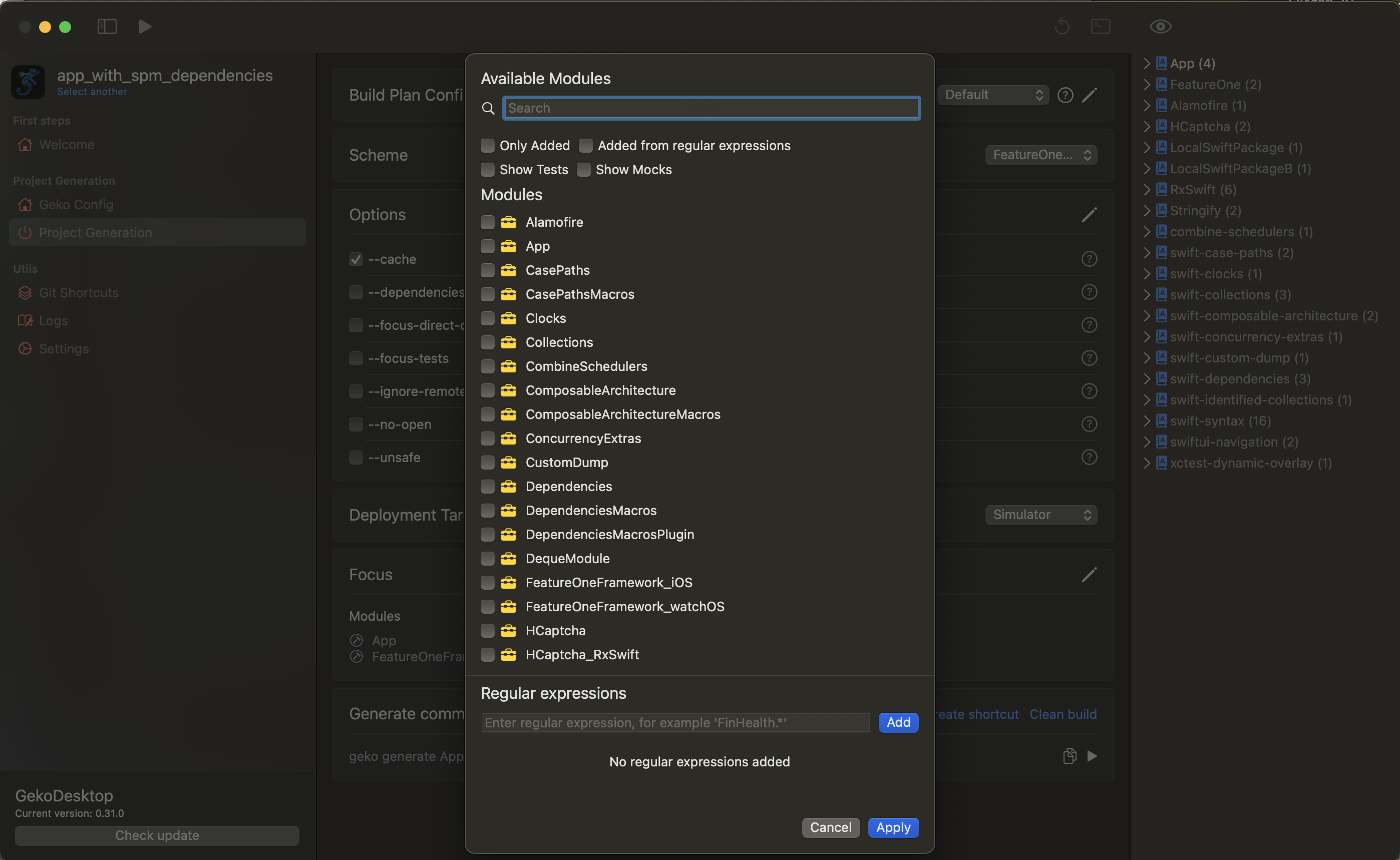
The list of modules that will remain in focus. Focused modules are modules, that will not be cached and will remain as sources. Clicking the edit button will open a dialog popup for adding or removing modules from the cache.
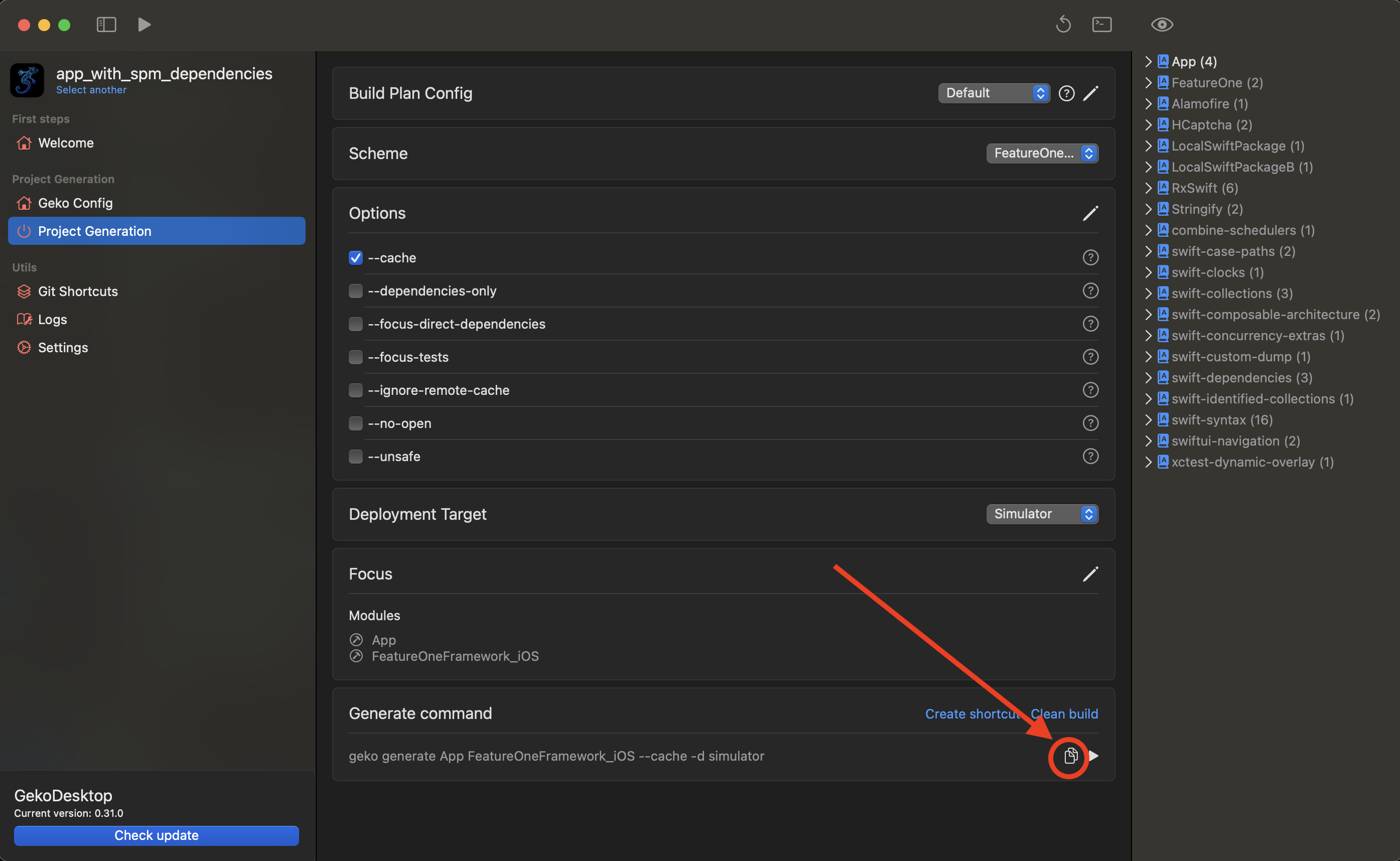
Final build command
The final command that is called in the console. Can be copied to the clipboard.