
Application Features & Known Issues
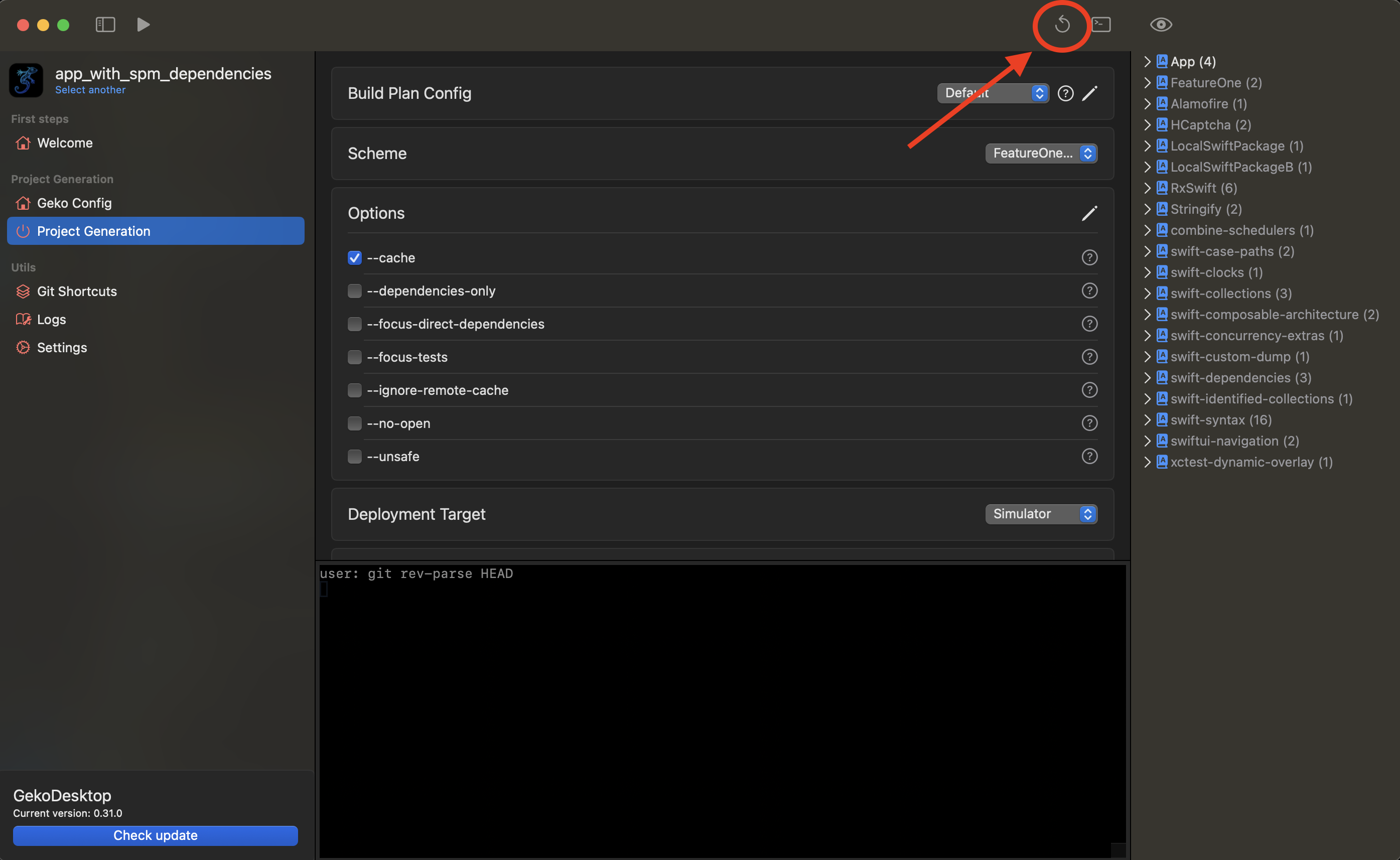
Refresh project after edit focus modules
NOTE
Currently, the utility does not track changes to Project.swift and Config.swift, so when edditing project/workspace/config files, you need to click refresh button
Dumps manifests and rereads the project, as well as rebuilds the project tree.
Project Tree (Inspector)
Shows the current tree of modules that will be in the project
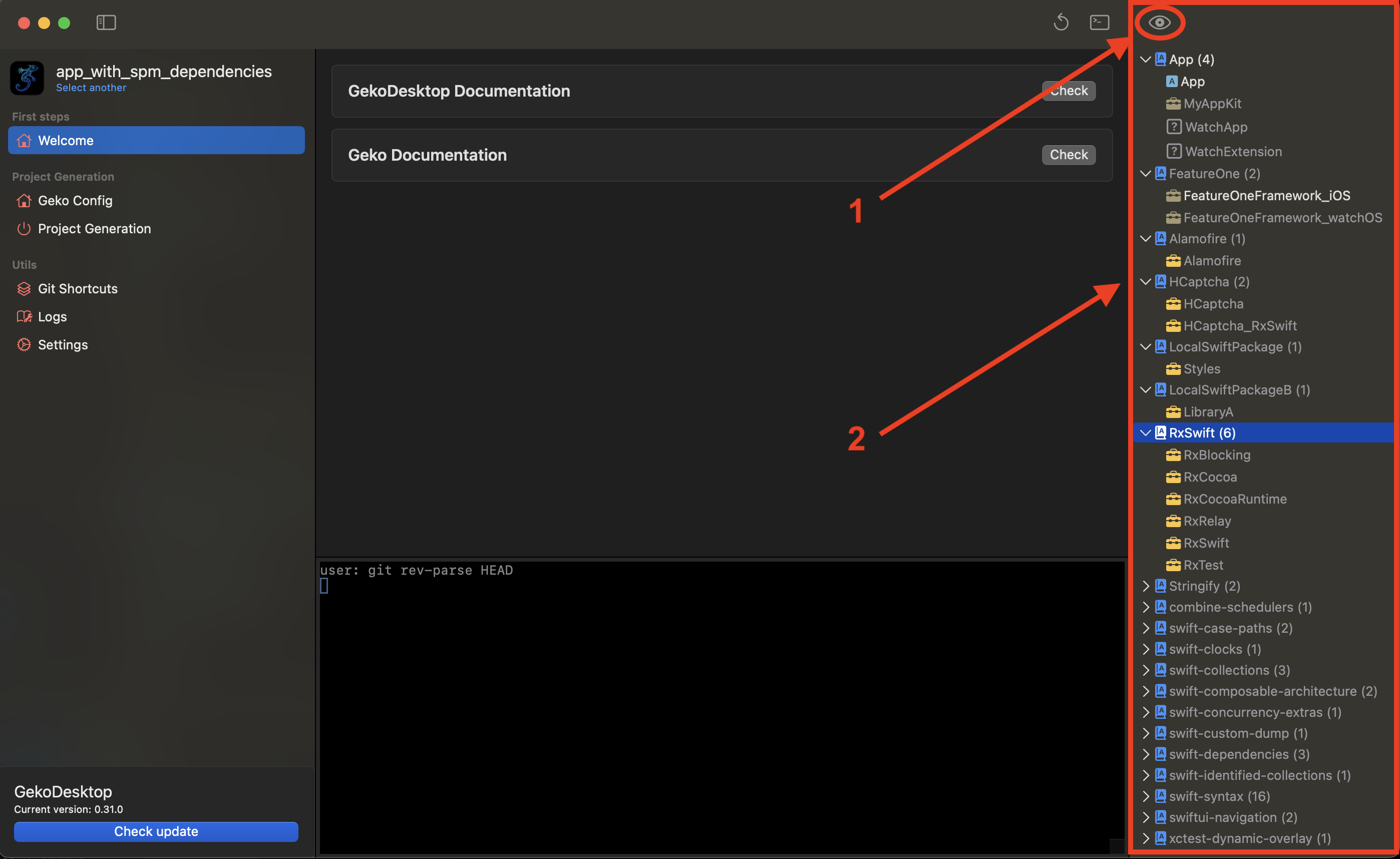
- eye - show/hide cached modules
NOTE
Eye available only if cache enabled(option --cache enabled)
- Project tree
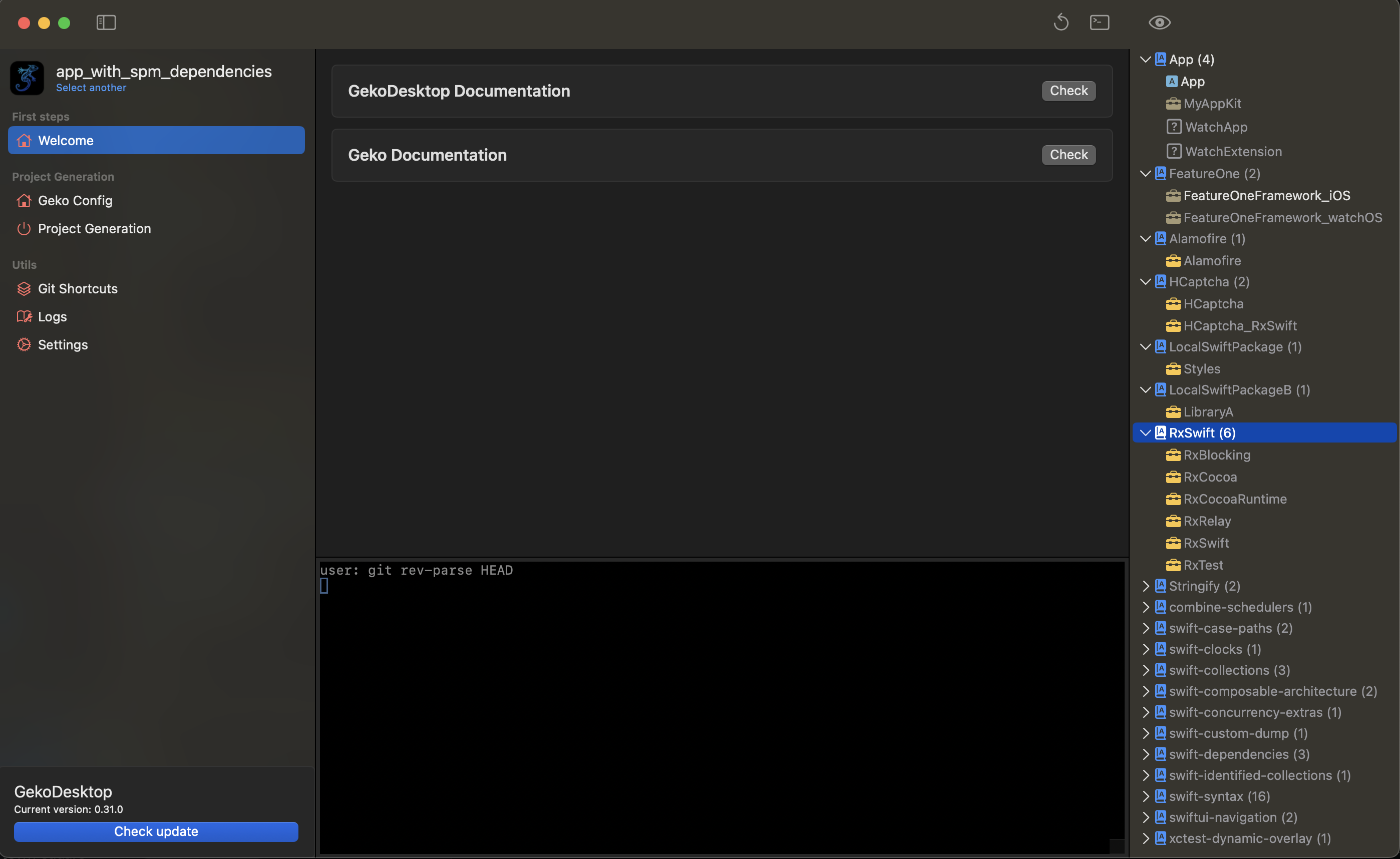
Example
Logs
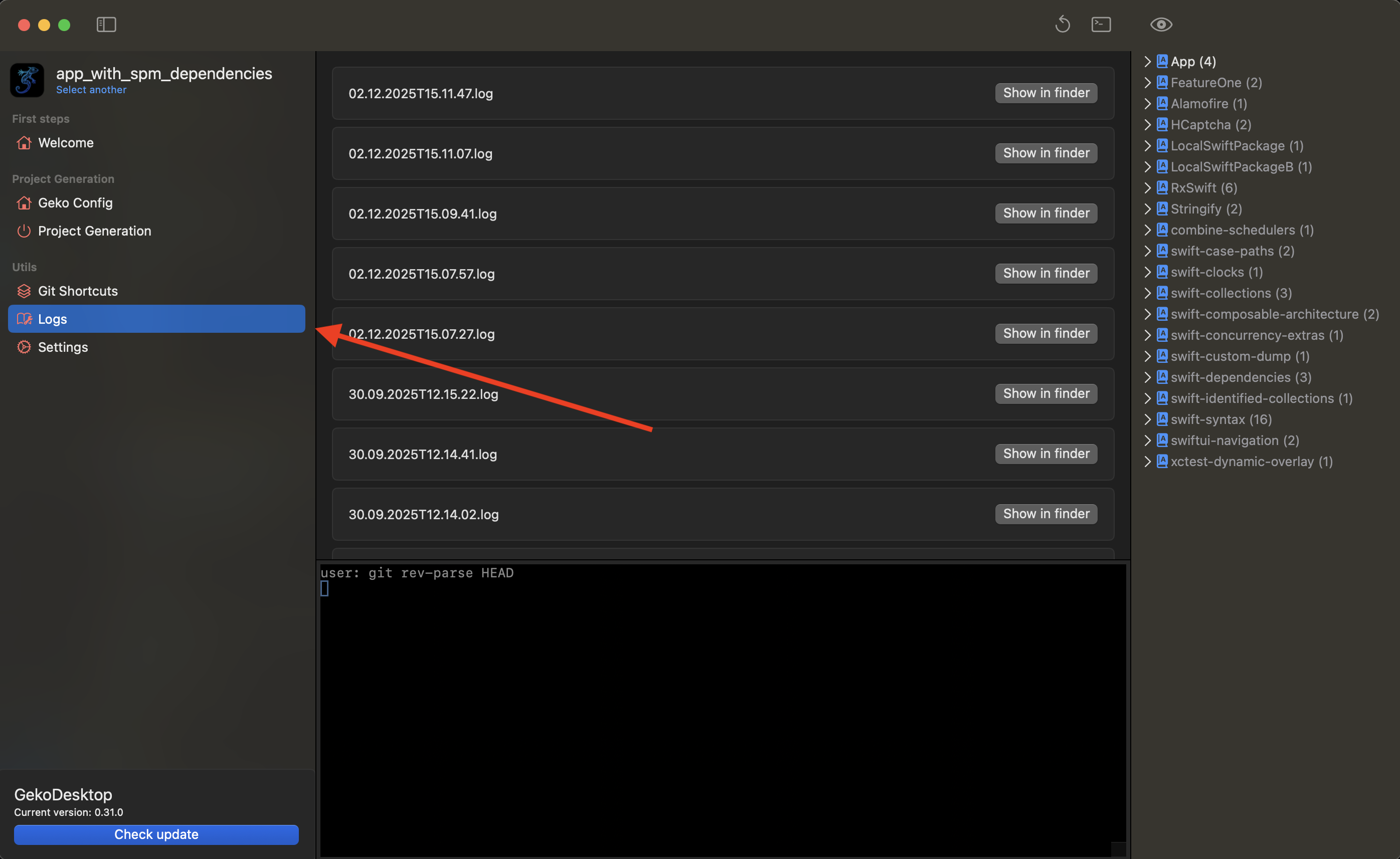
Log files
Settings
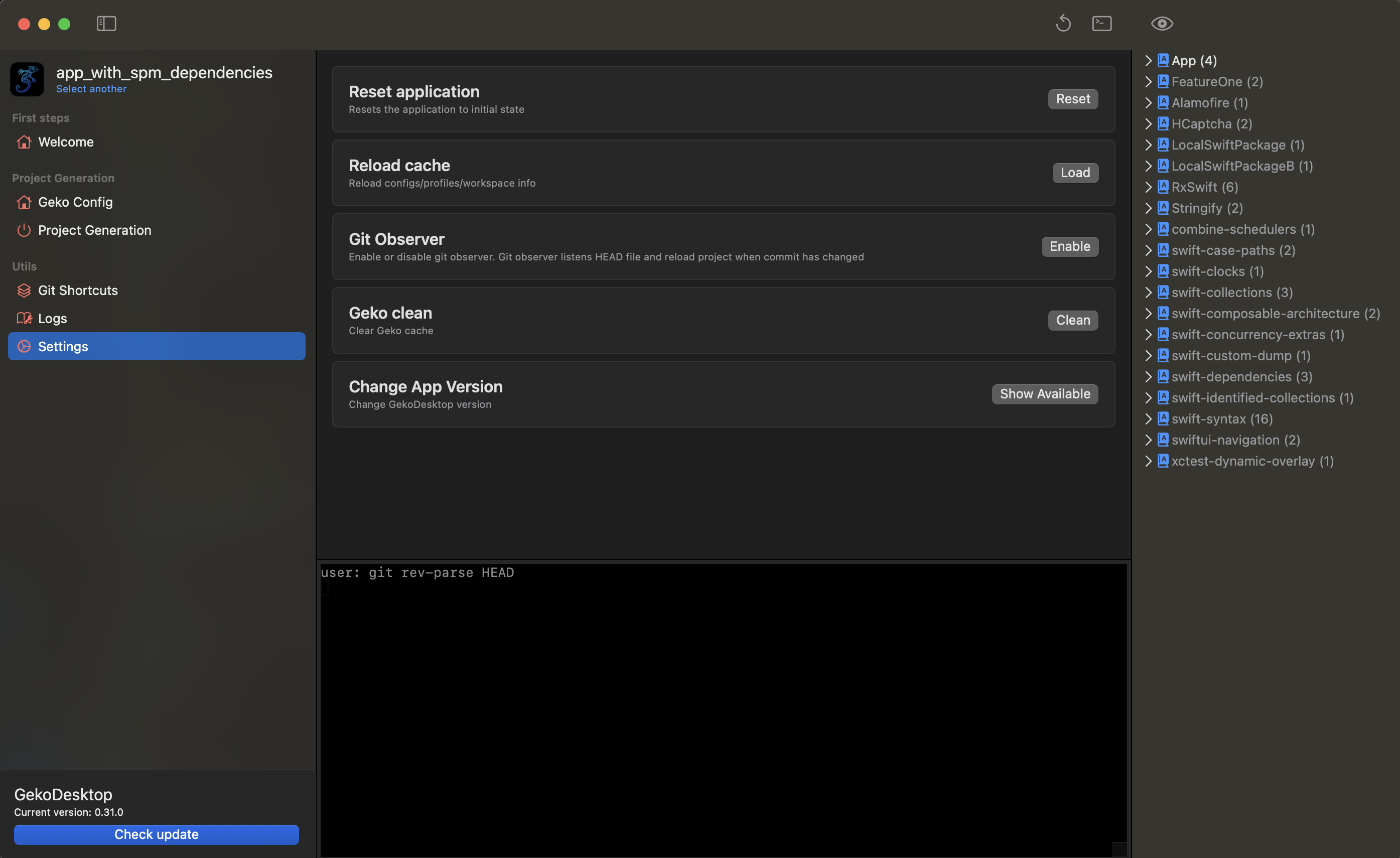
Reset Application - Reset application "to default settings"(Currently does not delete auto_plan.yml, but it will be later.)
Reload Cache - Refresh project. Called automatically during git pull and git checkout. However, it can be called manually.
Terminal Input - Enables/disables additional application logs in the terminal
Geko Clean - clean build cache
Update
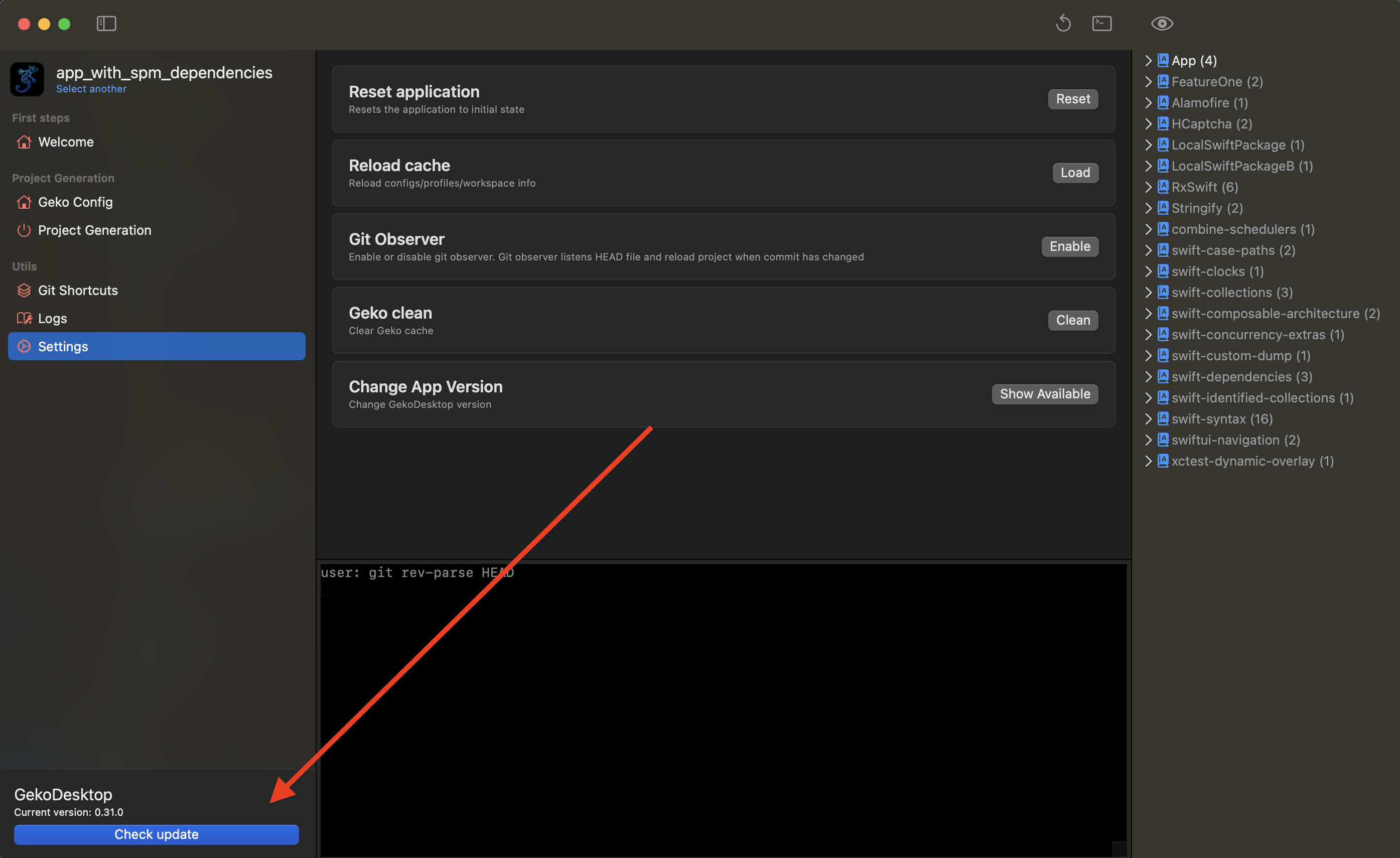
App update. The app searches GitHub for a tag that is compatible with the version specified in the project, downloads it, and replaces the current app with the new one.